
How to Maintain a Remote Work Professional Image Without a Studio Visit
April 29, 2026
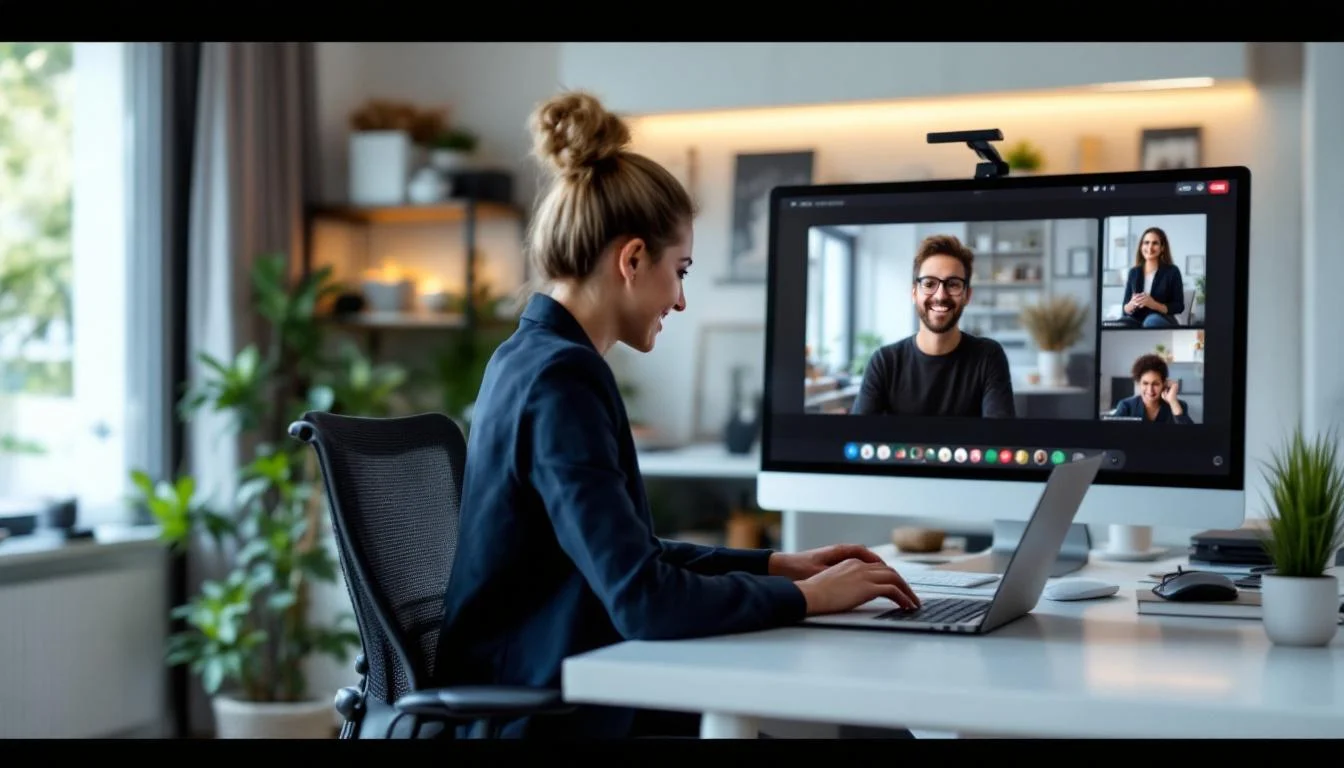
Why Your Remote Work Professional Image Matters
In the era of remote work, first impressions are often digital. Whether you’re hopping on a Zoom call with a client or updating your LinkedIn profile, your professional image is your virtual handshake.
A polished remote work professional image can set you apart from the crowd, build trust with colleagues, and signal credibility to potential employers or clients. But how do you achieve that without stepping foot in a traditional studio?
The Shift to Digital First Impressions
According to a study by Harvard Business Review, virtual interactions amplify the importance of visual cues. Without in-person nuances, your online presence—profile photos, video call setups, and personal branding—carries more weight.
This means every pixel of your digital persona needs to exude professionalism. Let’s explore actionable ways to craft that image from the comfort of your home office.
Crafting a Professional Headshot at Home
A high-quality headshot is the cornerstone of your remote work professional image. It’s often the first thing people see on your LinkedIn, email signature, or company website.
You don’t need to book an expensive studio session to get a great shot. With the right tools and a little creativity, you can achieve professional results at home—or even go for an AI-powered solution like TopShots.AI, which delivers over 40 polished headshots in under an hour for just $29.99.
DIY Headshot Tips for Remote Workers
If you’re going the DIY route, follow these steps to ensure your photo looks polished and professional.
- Find natural light: Position yourself near a window during daylight hours for soft, even lighting. Avoid harsh overhead lights that cast shadows.
- Choose a neutral background: A plain wall or a tidy bookshelf works well. Avoid cluttered or distracting spaces.
- Dress the part: Wear attire that matches your industry—think business casual for most remote roles.
- Use a tripod or prop: Stabilize your phone or camera on a stack of books to keep the frame steady.
- Smile naturally: Look directly into the camera and think of something positive to avoid a forced expression.
Optimizing Your Virtual Meeting Setup
Video calls are often the closest you’ll get to an in-person meeting as a remote worker. Your setup—lighting, background, and demeanor—plays a huge role in shaping your professional image.
A chaotic or unprofessional setup can undermine even the best headshot. Let’s break down how to look your best on every call.
Key Elements of a Professional Video Call Setup
- Lighting: Use a ring light or position a lamp in front of you to illuminate your face evenly. Avoid backlighting, which makes you look like a silhouette.
- Background: Keep it clean and simple. A virtual background can work if it’s subtle, but a real, tidy space is often more authentic.
- Camera Angle: Elevate your laptop or webcam to eye level. Looking down into the camera can create an unflattering angle.
- Audio: Invest in a decent microphone or headset. Clear audio is just as important as clear visuals.
“Your virtual setup is your new office. Treat it with the same care you’d give to a physical workspace.” – Remote Work Expert, Forbes
Building Your Online Brand as a Remote Worker
Your remote work professional image extends beyond visuals. It includes how you present yourself on social platforms, communicate in emails, and share your expertise online.
Consistency is key. A cohesive online brand signals reliability and professionalism to anyone who comes across your digital footprint.
Steps to Strengthen Your Digital Presence
- Update your LinkedIn profile with a professional headshot and a detailed summary. Check out tips from the LinkedIn Blog for guidance.
- Share industry insights or projects on social media to showcase your expertise. Even a simple post can position you as a thought leader.
- Use a consistent email signature with your name, job title, and contact info. Add a link to your portfolio if relevant.
Comparing Tools for a Remote Professional Image
There are plenty of tools and services to help you maintain a polished look without a studio. Here’s a quick comparison of options for headshots and virtual setups.
| Option | Cost | Time Required | Best For |
|---|---|---|---|
| DIY Headshot with Smartphone | Free | 1-2 hours | Budget-conscious individuals |
| AI Headshot Service (e.g., TopShots.AI) | $29.99 | Under 1 hour | Busy professionals needing quick results |
| Professional Photographer | $150+ | Several hours + travel | High-budget, in-person needs |
Common Mistakes to Avoid in Remote Work Branding
Even with the best intentions, it’s easy to make missteps that can hurt your remote work professional image. Awareness is the first step to avoiding these pitfalls.
- Using outdated or low-quality photos: A blurry or old headshot can make you seem out of touch. Refresh it regularly.
- Ignoring video call etiquette: Showing up in pajamas or with a messy background can signal a lack of seriousness.
- Inconsistent branding: Using different photos or tones across platforms can confuse your audience. Stick to a unified look.
Final Thoughts on Your Remote Work Professional Image
Building and maintaining a strong remote work professional image doesn’t require a studio or a huge budget. With a little effort and the right tools, you can create a lasting impression that opens doors to new opportunities.
Start with a great headshot, optimize your virtual setup, and stay consistent across your online platforms. For deeper insights on personal branding, explore resources from Forbes.
Remember, your digital presence is your professional currency in a remote world. Invest in it wisely, and you’ll see the returns in credibility and connections.
Ready to upgrade your headshot?
40+ professional headshots in under an hour. No studio required.
Get Your Headshots — $29.99